
Key facts in 20 seconds
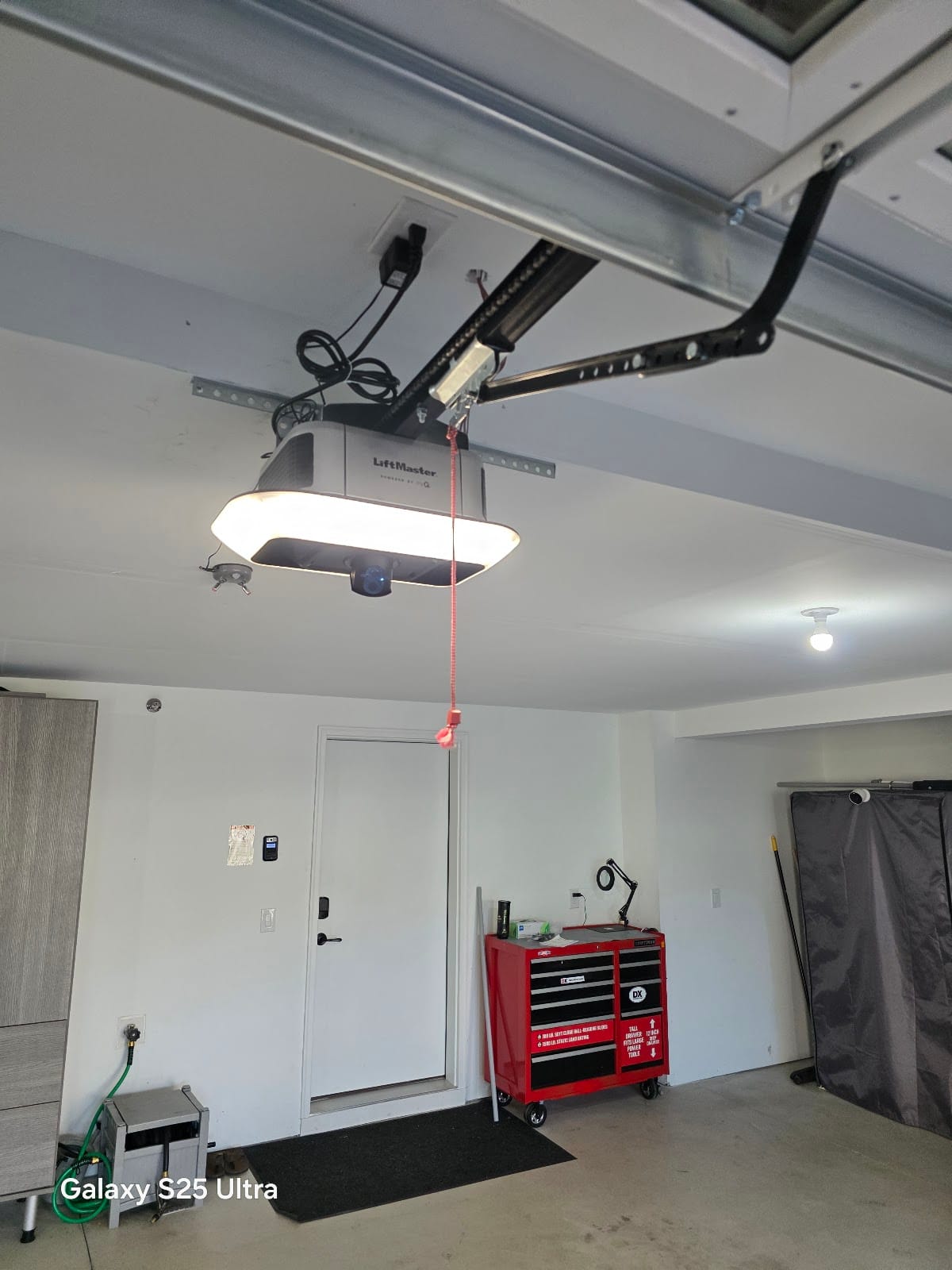
- A modern LiftMaster / Chamberlain / Craftsman opener talks to you with two little arrow LEDs on the motor head (the Up and Down buttons). The number of blinks on each is a diagnostic code, read as “Up × / Down ×”.
- The most common code by far is Up 1 / Down 4 (older units: the light flashes 10 times): safety sensors misaligned or blocked.
- Codes starting with Up 1 are sensor or wiring problems. Up 2 codes are travel or force problems, which means the door itself (binding, broken spring). Up 4–5 point at the logic board, motor or power.
- Beeping on a LiftMaster is not an error: every 2 seconds means it’s running on battery backup, every 30 seconds means the battery is low or dead.
- Power-cycling (unplug 30 seconds) clears a lot of nuisance codes. A code that comes straight back is real.
I’m David, owner of David’s Urgent Garage Door in St. Louis Park. Half of my opener calls start with “the light is blinking and the door won’t go down.” The opener is usually telling you exactly what’s wrong; you just need the chart. Here it is in plain English, plus what you can fix yourself and what means a part.
How to read the code
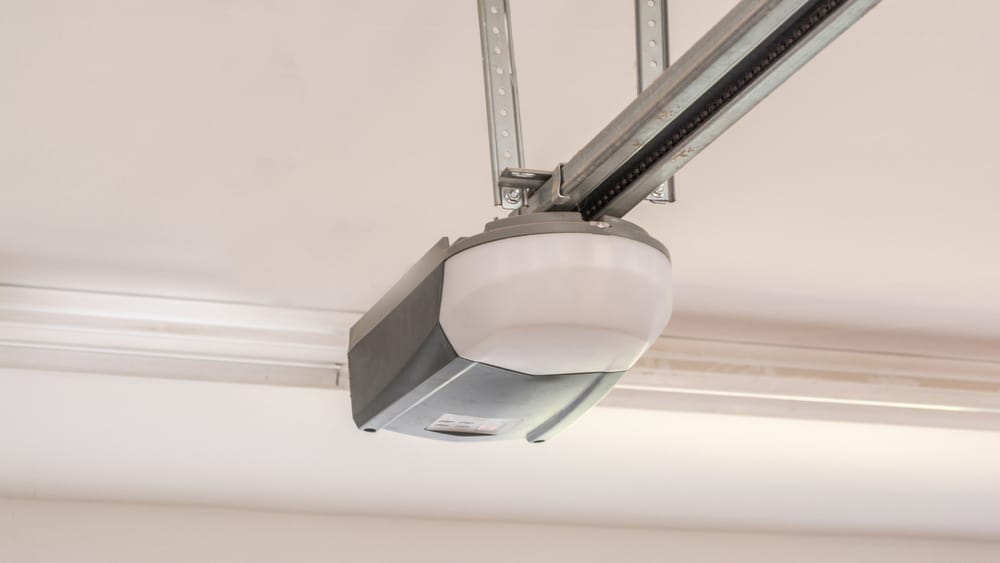
- Look at the back or side of the motor head for the two arrow buttons (Up / Down) with small LEDs next to them. On most units built since about 2011 they blink after a failed command.
- Count the blinks on the Up LED, then on the Down LED. Example: Up blinks once, Down blinks four times = Up 1 / Down 4.
- Older openers without arrow LEDs: count how many times the main light flashes after you press the remote. Ten flashes = sensor problem.
- Find your code below.
LiftMaster / Chamberlain diagnostic codes (Security+ 2.0 models)
| Up / Down blinks | What it means | DIY? | Usual fix |
|---|---|---|---|
| Up 1 / Down 1 | Safety sensors not connected, wire broken or shorted | Often | Check both sensor wires end to end (chewed, stapled, loose at the terminal). |
| Up 1 / Down 2 | Sensor wires shorted or reversed (white and striped swapped) | Often | Both white wires to the white terminal, both striped to grey. Look for a staple through the wire. |
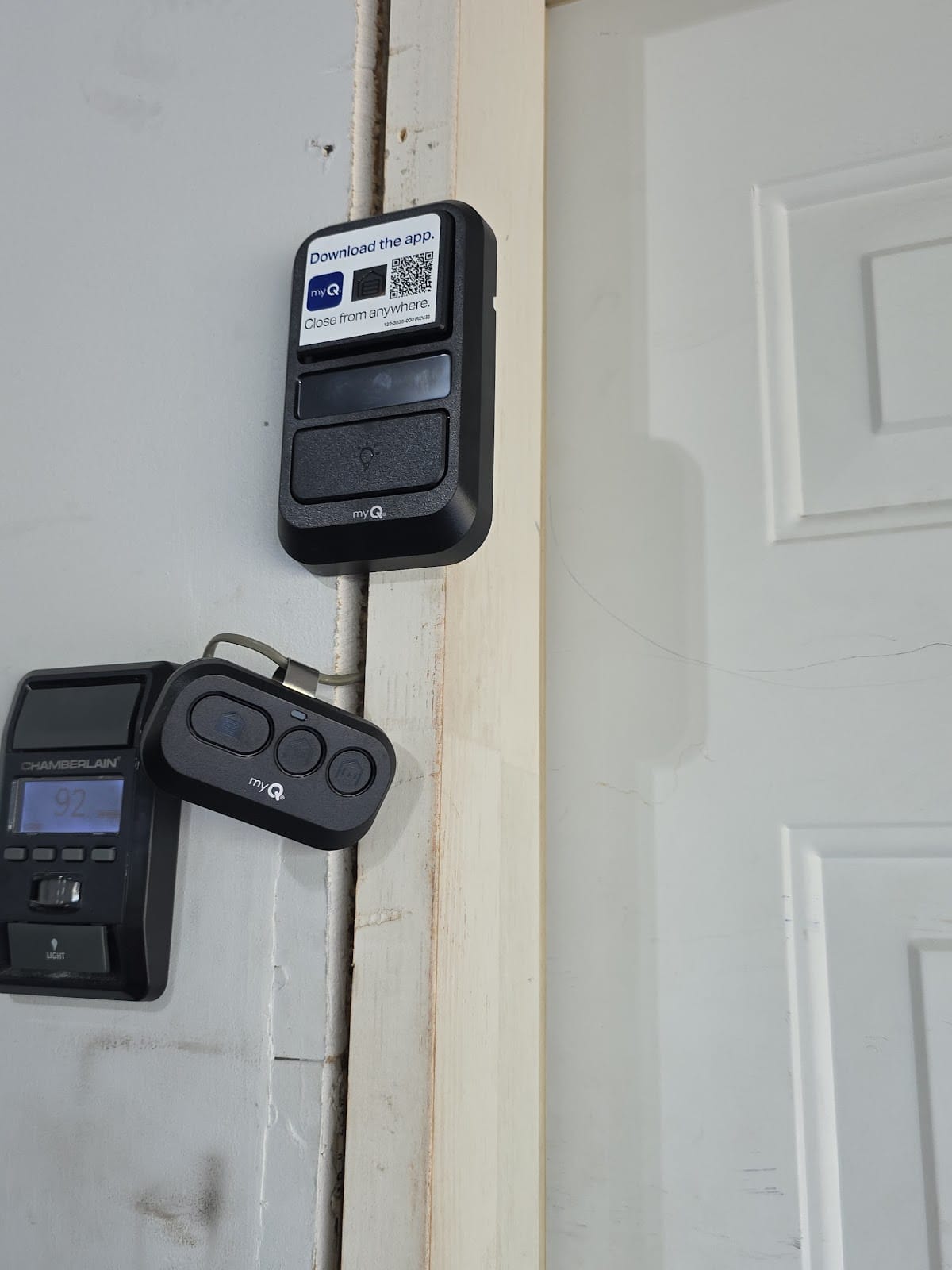
| Up 1 / Down 3 | Wall control (door control) wiring shorted or wall button faulty | Sometimes | Check the two wall-button wires; if the button is stuck or wet, replace it. |
| Up 1 / Down 4 (older: light flashes 10×) | Sensors misaligned, dirty or blocked | Yes | Clean and aim until the green LED is steady. Full steps: safety sensors guide. |
| Up 1 / Down 5 | Motor overheated, RPM sensor fault, or motor wiring | No | Let it cool 30 min. If it repeats, the RPM sensor or logic board. |
| Up 1 / Down 6 | Motor circuit failure | No | Logic board or motor. On a 12+ year unit, usually a new opener. |
| Up 2 / Down 1–5 | Travel or force problem: limits not learned, door hit something, door too heavy | Partly | Fix the door first (balance test, frozen seal, broken spring), then re-set the travel limits. Don’t crank the force up. |
| Up 3 / Down 2–3 | Wall control not responding / its wiring | Sometimes | Replace the wall control; check its wire for a staple or a nail. |
| Up 4 / Down 1–6 | Travel limits lost, or a logic-board / motor error | Try once | Unplug 30 s, re-learn limits. If the code returns, the board. |
| Up 5 / Down 1–x | Power, battery backup or Wi-Fi/myQ module issue | Partly | Check the outlet and the battery (3–5 yr life). Wi-Fi codes: re-pair in the myQ app. |
Exact wording varies a little by model year; the chart printed inside your light-lens cover or in the manual wins. The groupings above hold for every Security+ 2.0 opener I’ve worked on (8550, 8365, 8160, WLED, the 6690L/6580L/2220L myQ lineup, and the 98022 wall-mount).
Other lights and sounds, decoded
| What you see / hear | Meaning |
|---|---|
| Beep every 2 seconds while the door moves | Running on battery backup (power is out). Normal. |
| Beep every 30 seconds, LED on the battery red | Battery low or dead. Replace the battery (not the opener). |
| Main light blinks 10 times, door won’t close | Sensor problem on an older unit. Same fix as Up 1 / Down 4. |
| Light turns on by itself at night | Motion sensor in the wall control, or the light timer. Not a fault. |
| Learn button LED blinking | In programming mode (someone pressed Learn). Wait 30 s or press again. |
| Hums, no movement | Door frozen or broken spring on new units; capacitor or gear on old chain units. See opener hums. |
| Wi-Fi LED blinking blue / green | Pairing mode / connecting. Blinking blue = waiting for the myQ app; solid green = connected. |
Genie, Overhead Door and others
- Genie / Overhead Door: a red status LED on the motor head blinks a count (and the sensor pair shows red for sending, green for receiving). A blinking red with the door refusing to close is almost always the sensors. Other counts map to travel/force and board errors; the chart is on the Genie support site by model.
- Linear, Marantec, Sommer: similar idea, different counts. Note the blink count and the model number on the motor-head label and text them to me at (651) 417-2840; I can usually tell you what it is before I come.
Before you call: the 3-minute reset
- Clean and check the sensors (green LED steady).
- Unplug the opener for 30 seconds, plug back in.
- Pull the release cord with the door closed and lift the door by hand. Heavy or won’t stay up = spring, not opener. Call.
- Reconnect and try once from the wall button, then once from the remote. Read the code again.
Blink codes – FAQ
Why does my garage door opener blink 10 times?
Safety sensor problem: misaligned, dirty, blocked, sun in the lens, or a broken wire. On newer units the same fault shows as Up 1 / Down 4 on the arrow LEDs.
What does Up 1 Down 5 mean on a LiftMaster?
Motor overheated, RPM sensor fault or motor wiring. Let it cool for 30 minutes. If it comes back, the RPM sensor or logic board needs replacing, which I weigh against the opener’s age.
Why is my garage door opener beeping?
LiftMaster openers with battery backup beep every 2 seconds when running on the battery and every 30 seconds when the battery is low. It’s a status sound, not a failure; replace the battery when it stays low.
Will unplugging the opener reset the code?
It clears the display and sometimes a nuisance code. A real fault (sensor, wiring, door too heavy, board) comes right back on the next command, which is the useful part of the test.
Code keeps coming back?
Sensors, wiring, wall controls, logic boards and new LiftMaster openers, same day across Minneapolis–St. Paul. I’ll tell you honestly whether the old unit is worth a board.